Upgrade guide
SquashTM Orchestrator
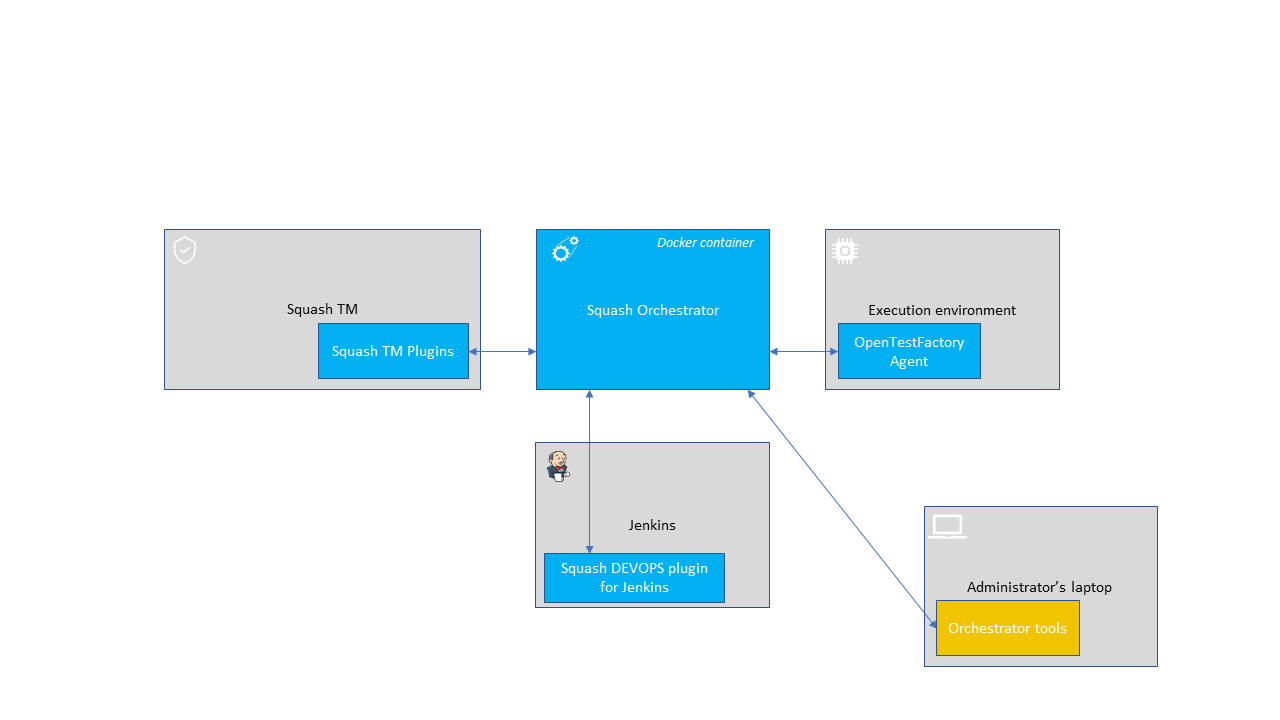
- Stop SquashTM Orchestrator using
opentf-donefollowed by the command used to stop the orchestrator (see Stopping the orchestrator).
For example, if SquashTM Orchestrator is deployed usingdocker-compose:opentf-done --host http://localhost --token $TOKEN docker-compose down - Update SquashTM Orchestrator's Docker image.
- If the intermediate versions (between the pre-update version and the final version) or the final version itself require configuration changes, perform these. These instructions are indicated on the release notes page. If no instruction is indicated, no modification is to be made.
- Restart SquashTM Orchestrator in the same way as before the update.
Orchestrator tools
Update the Orchestrator tools by running the following command:
pip install --upgrade opentf-tools
OpenTestFactory Agent
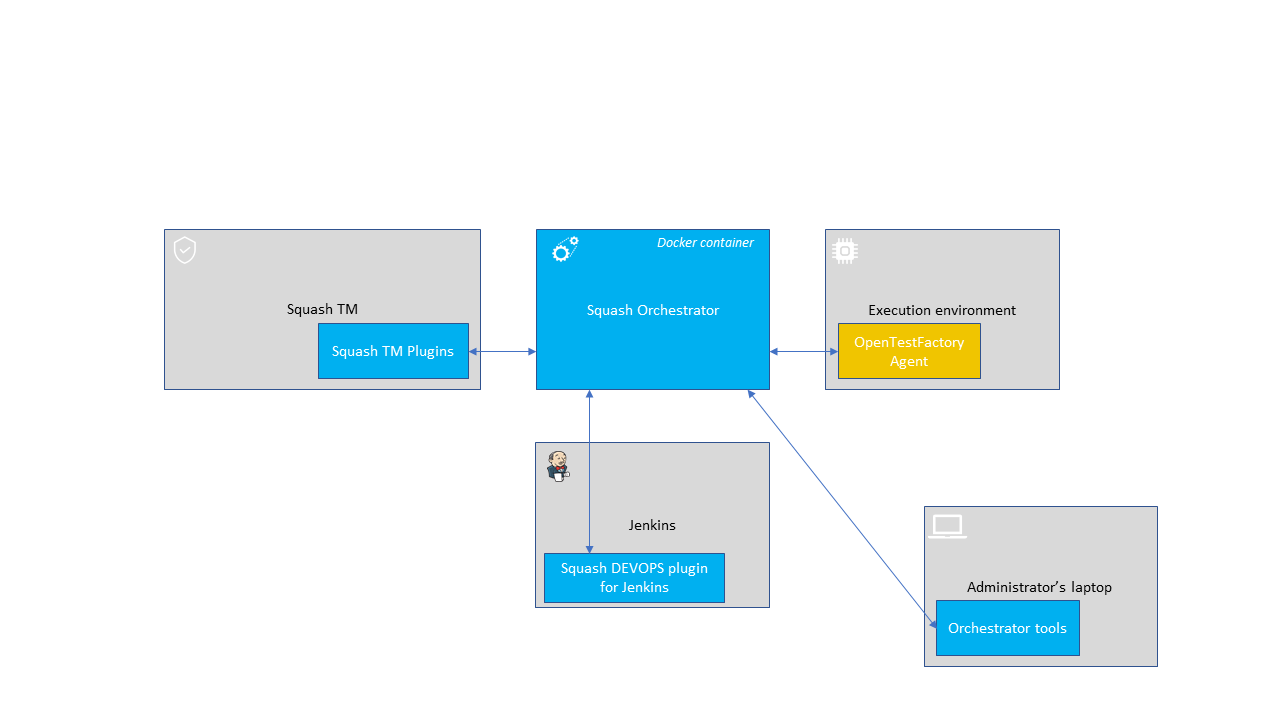
- Stop the OpenTestFactory Agent.
- Update the agent by running the following command:
pip install --upgrade opentf-agent - Restart the agent.