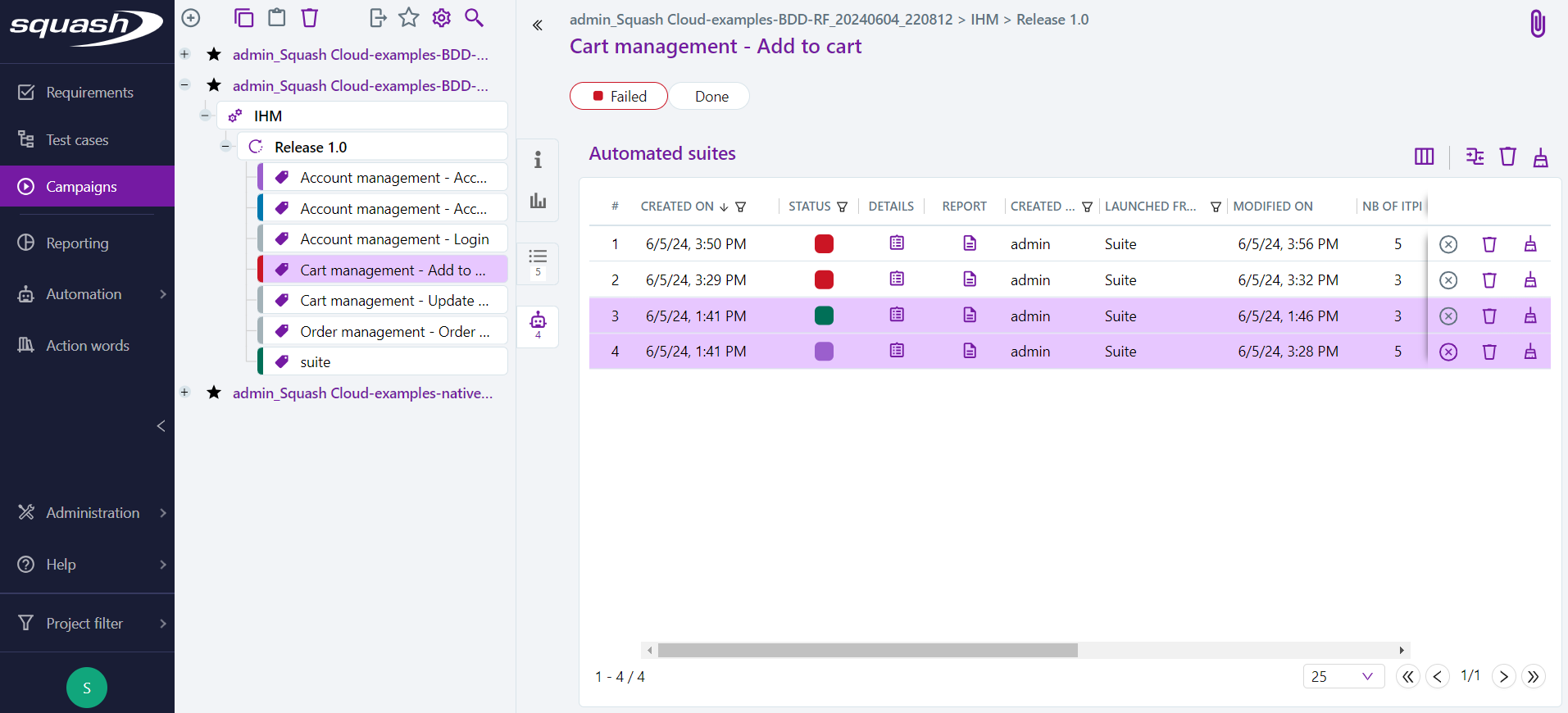
Cleaning Automated Suites
An administrator, project manager, or referent tester can:
- delete one or more automated suites by clicking the
 button;
 - prune partially (only attachments associated with executions with a 'Passed' status will be deleted) by clicking the
 button, then selecting "Prune partially";
 - prune fully (attachments from all executions will be deleted) one or more automated suites by clicking the button, then selecting "Prune fully";
- stop an automated suite launched from SquashTM with a 'Running' status by clicking the
 button.
An advanced tester can stop the automated suites they have launched, but not those launched by other users.