Reporting in SquashTM
SquashTM's Reporting workspace
This workspace enables you to manage your acceptance activity using standard and custom reporting items. From the Reporting workspace, you can create four types of reporting items:
- chart
 ;
; - report
 ;
; - dashboard
 ;
; - custom export
 .
.
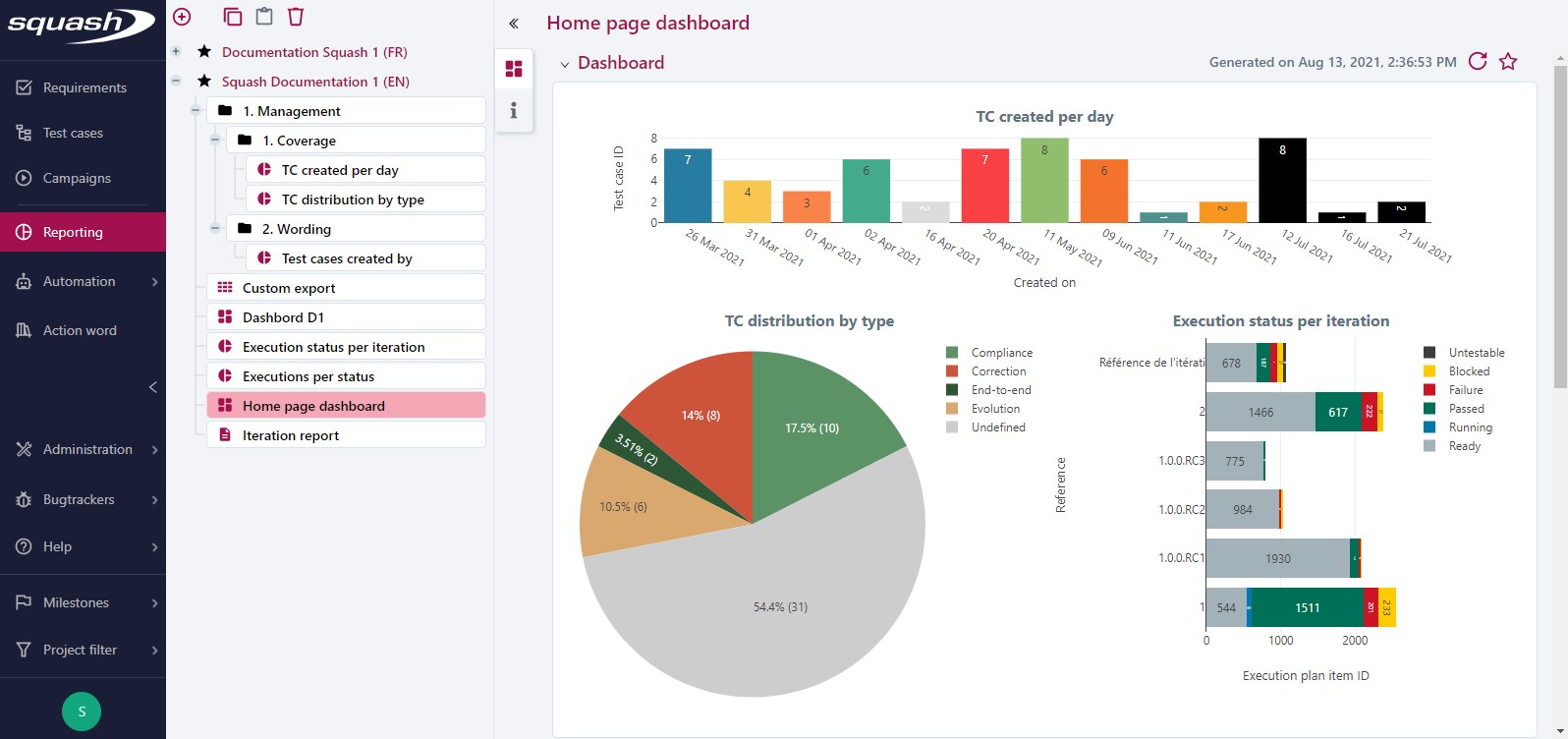
Reporting workspace objects consultation page
A reporting item's consultation page contains:
- its name;
- for a chart: Chart and Information blocks;
- for a report: Information block;
- for a dashboard: Dashboard and Information blocks;
- for a custom export: Information block.
From a consultation page, you can:
- modify the item's name;
- modify the item;
- download a report, custom export, and chart.
On the left, the anchor bar enables you to click on an anchor to access the corresponding block:
- the Information block displays the item's attributes;
- the Chart block displays the generated chart;
- the Dashboard block displays the generated dashboard.