Search for Executions
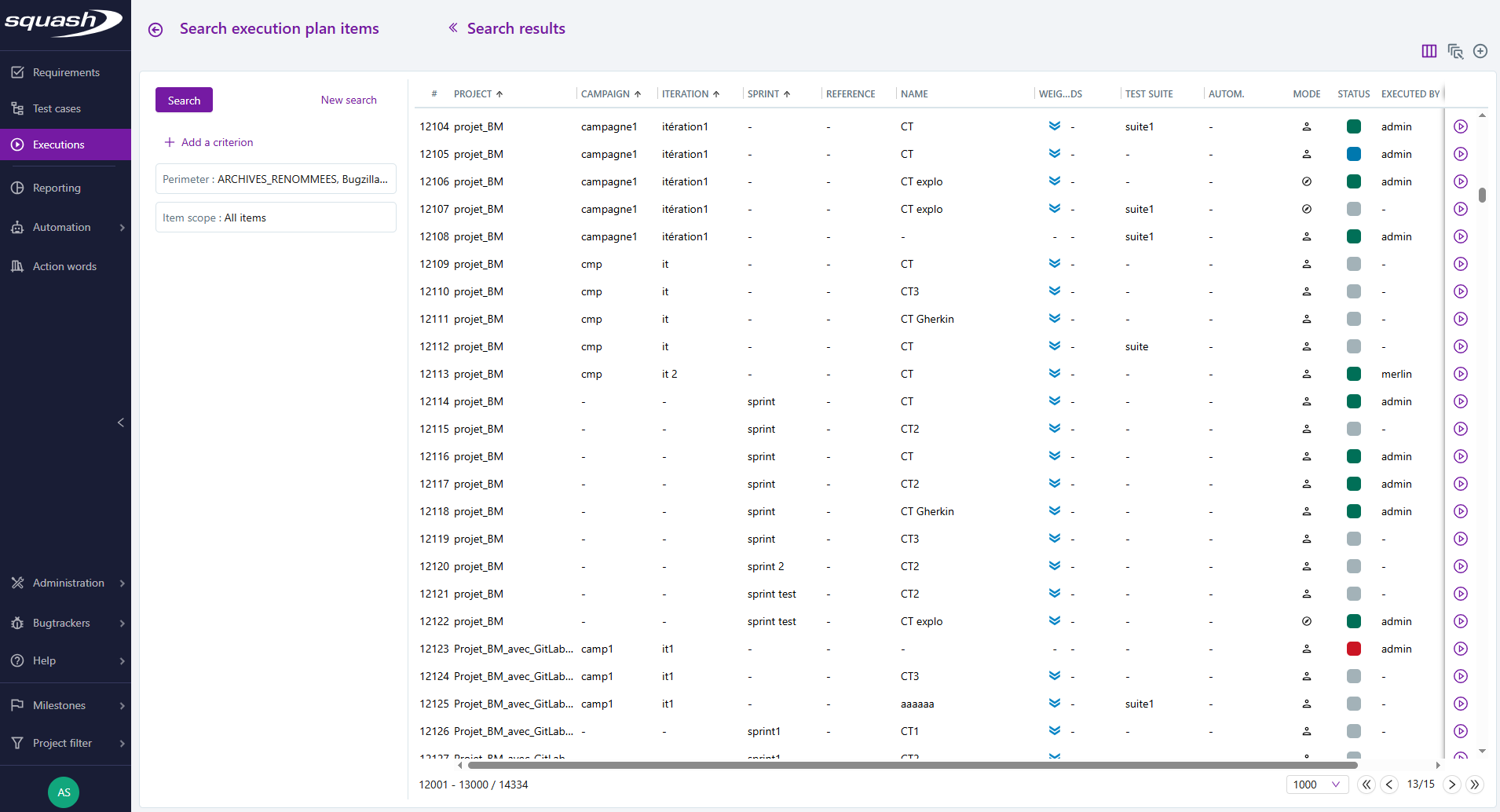
The executions search page is divided into two parts:
- on the left: search criteria block;
- on the right: search results.
Learn more
Visit the page Searching for an object to learn more about how the search page works.
As a reminder, the perimeter contains the projects in the projects filter by default. You can also search using a custom perimeter by selecting one or multiple folders, or campaigns, iterations, test suites, or sprints.
Executions Search Criteria
There are many search criteria available for executions. They can be combined.
The Item scope criterion is added by default and cannot be removed. It allows searching for:
- all items;
- last executed items: only the last item corresponding to a test case - dataset pair with an execution date is considered.
Search criteria are divided into different categories:
test case information;
information related to test case automation;
information related to campaign milestones;
test case attributes;
information related to execution.
Info
Search criteria linked to milestones are only visible if milestones are activated on the instance.
For example:
In the Attributes category, select the criterion Importance with the option "High". In the Executions category, select the criterion Status with the options "Blocked" and "Failed": Your search results will only include executions with the statuses "Blocked" and "Failed" that are linked to test cases with an importance set to "High".
Search Results
Search results are displayed in a table with multiple columns. These columns contain information on the executions, such as datasets, execution status, or execution date. The display of these columns can be configured.
From this search page, you can:
access the consultation page of the iteration containing the execution;
start or restart a test case's execution;
add test cases to the execution plan of an existing iteration or new iteration;
bulk modify the execution status of test cases (Execution via fastpass).
Learn more
The search enables you to filter the tests you want to add to an execution plan for a re-execution. For more information, visit the page Identify the Tests to replay according to previous Execution results.