User Login history
View the Login history
You can view the login history of users from the Administration workspace. For this, click on the Users submenu, then on the anchor  .
.
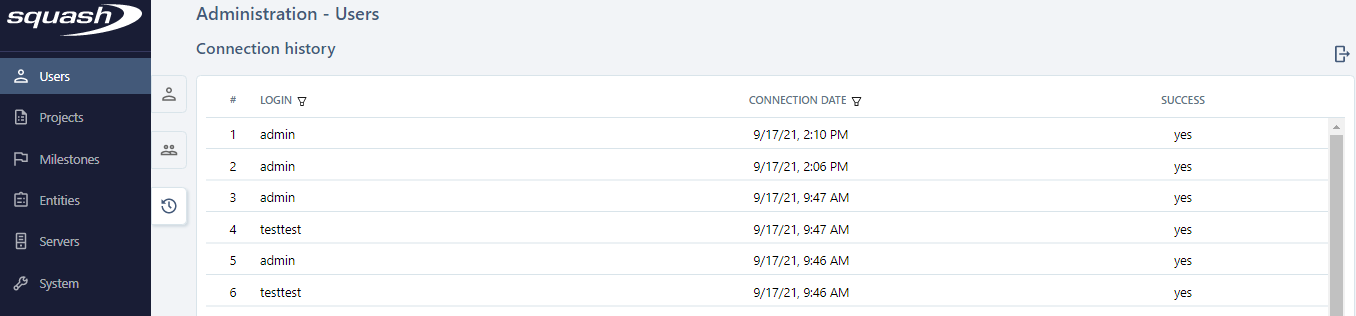
You can apply filters in the headings of the columns Login and Connection date to refine your search.
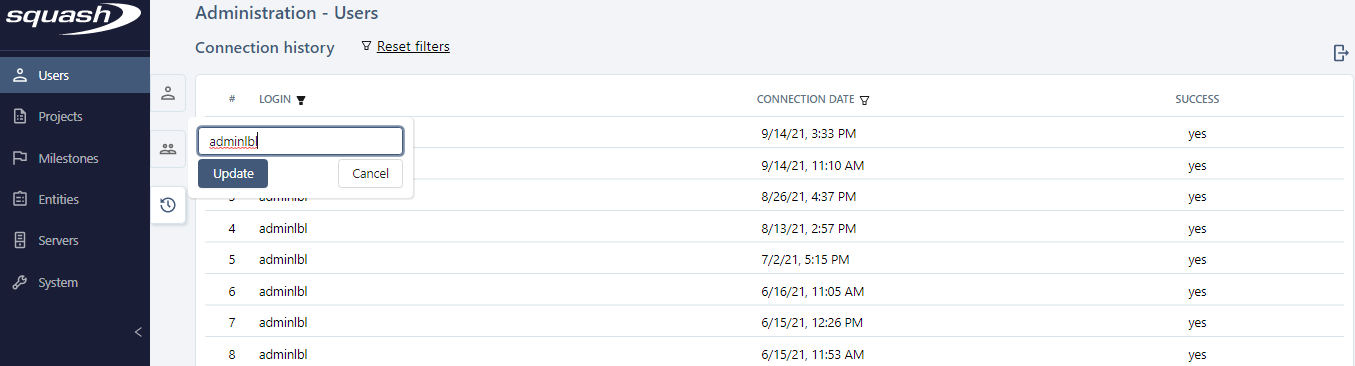
To clear all the filters, click on the button [Reset filters] at the top of the table.
Export the Login history
Click on the button  at the top of the table. A pop-up appears, with a File name field that is filled in by default, but that you can edit.
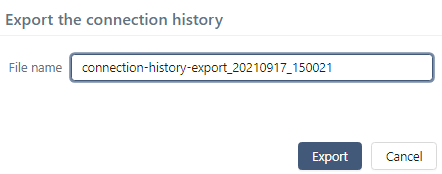
Click on [Export] to download the file in .csv format.